Settings
Configure your devices, preferences, and notifications via the settings page at /settings. These settings are stored in your browser's local storage and persist across sessions.
Account
Displays your current login status and username. You can update your display name here.
- Your name: Set your display name shown in meetings. Cannot be empty.
Preferences
- Auto-leave when alone: Automatically leave a call after a few minutes if no other participant is present.
Audio
Microphone
Select your audio input device from the dropdown. Choose None to disable audio input entirely.
Noise reduction
Toggle Noise reduction to enable or disable noise suppression for your microphone.
Speakers
Select your audio output device from the dropdown.
Speaker selection is not available in Safari.
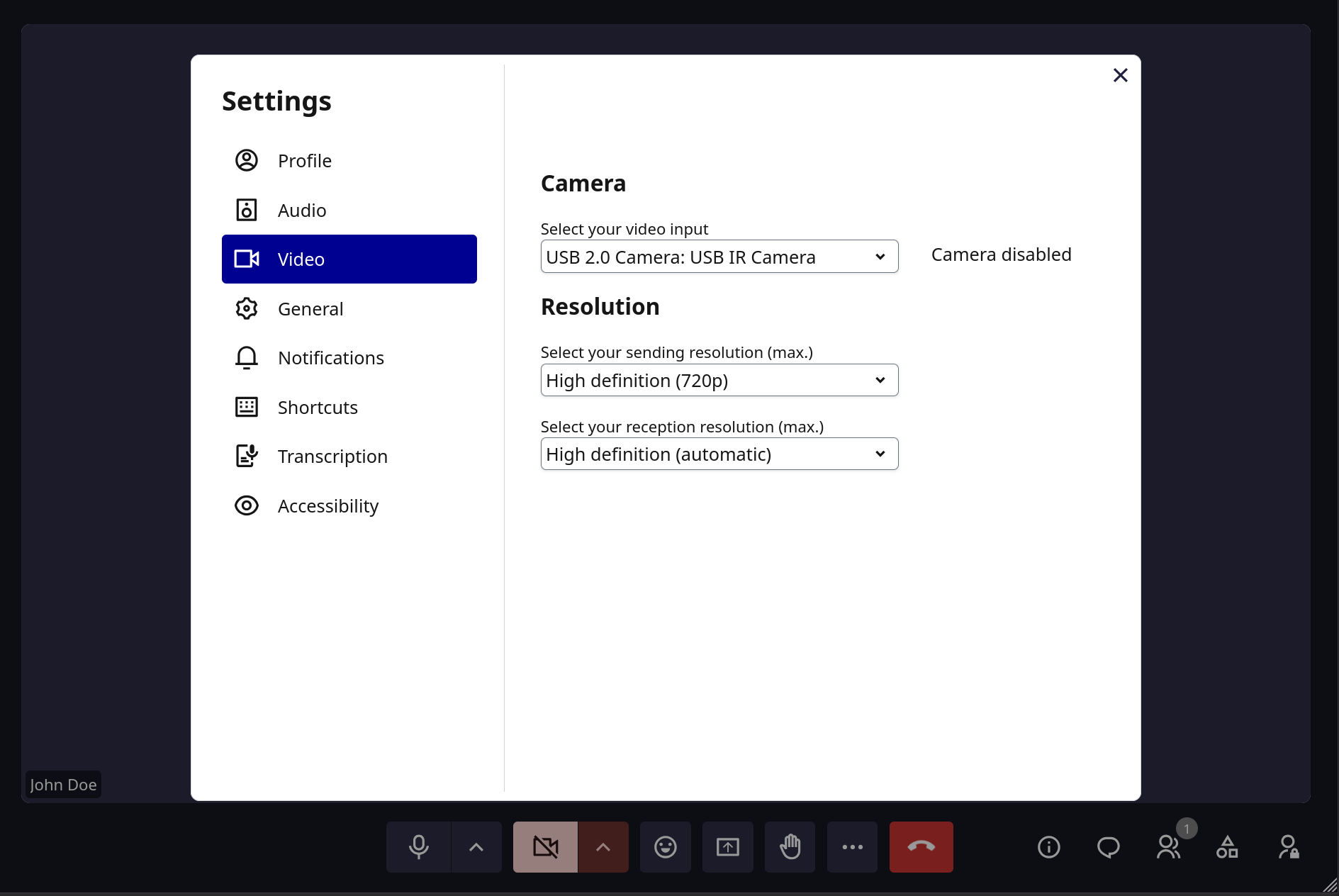
Video
Camera
Select your video input device from the dropdown. Choose None to disable video.
Resolution
Configure video quality for sending and receiving:
Publishing (sending): - High definition - Standard definition - Low definition
Subscribing (receiving): - High definition (auto) - Standard definition - Low definition
Transcription
- Meeting language: Set the default language for AI transcription: French, English, Dutch, German, or Auto.
Sound notifications
Toggle sound notifications on or off for each event:
- Participant joined: Sound when a new participant joins
- Hand raised: Sound when someone raises their hand
- Message received: Sound when a chat message is received
Keyboard shortcuts
Press Ctrl+Shift+/ to open the shortcuts panel and view all available keyboard shortcuts.
Language
Set the interface language. Supported languages: French, English, Dutch, and German. The default depends on your instance's LANGUAGE_CODE setting (typically English for self-hosted deployments).