AI Transcription
Work in progress
This article is a work in progress. AI transcription is a beta feature and has not yet been fully validated. Information may be incomplete or subject to change.
AI transcription converts meeting audio to text in real time. This feature is in beta.
Requirements
- Transcription must be enabled on your instance
- Only room owners and administrators can start transcription
- The Summary service must be deployed (see AI Transcription)
Starting transcription
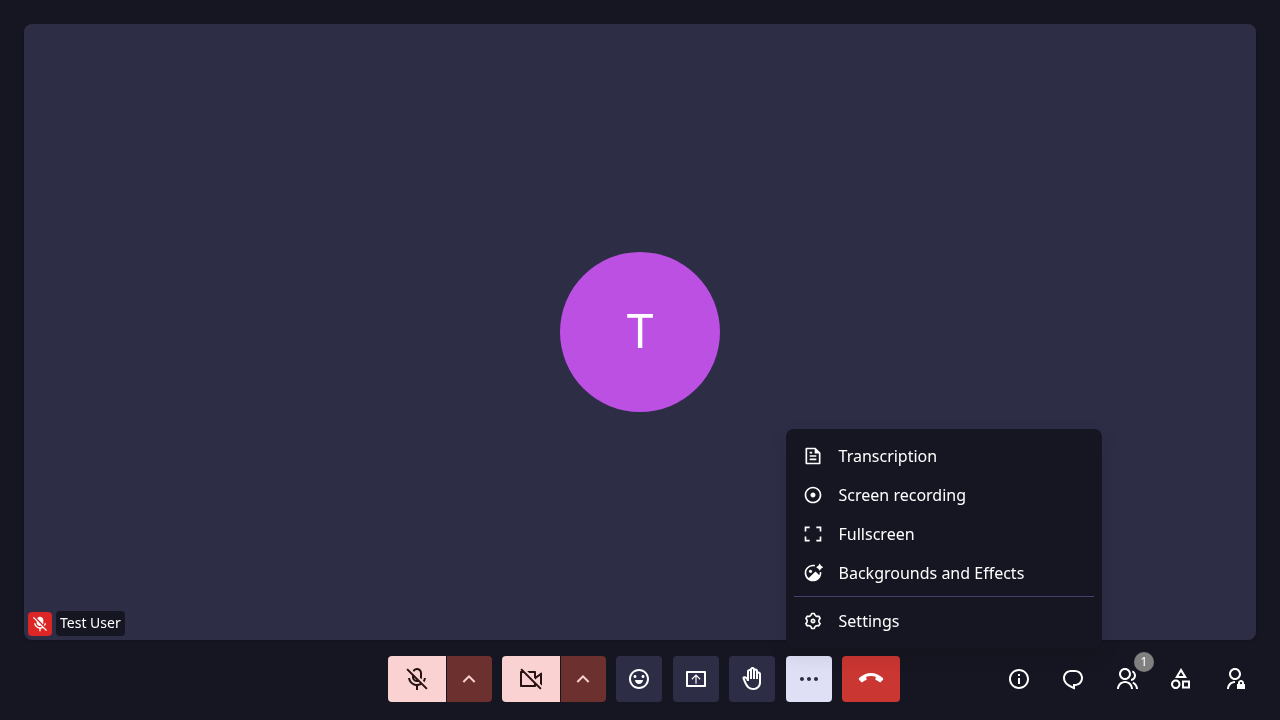
- Click ... (More options) → Transcription
- Choose the meeting language (French, English, Dutch, German, or Auto)
- Optionally check Also start a recording
- Click Start
Language selection
Choosing the correct language improves transcription accuracy. Select Automatic for the system to detect language automatically.
Live captions
When transcription is active, live captions appear in the meeting room.
Stopping transcription
Click ... → Transcription again to stop.
Supported languages
- French
- English
- Dutch
- German
- Automatic